An NVR for your IP cameras on Mac, iPhone and iPad. Free for up to 8 cameras.
Requires macOS 26 or later, or iOS and iPadOS 26 or later.
Features
Monitor and record up to 16 IP cameras on a Mac.
Continuous, scheduled or event-based recording (motion or person detection).
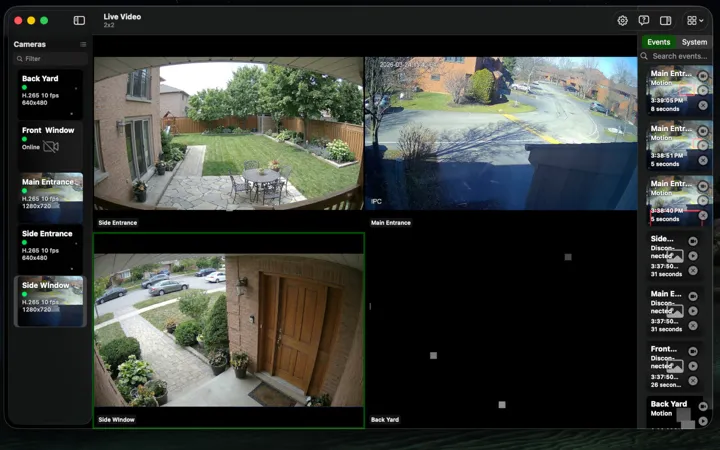
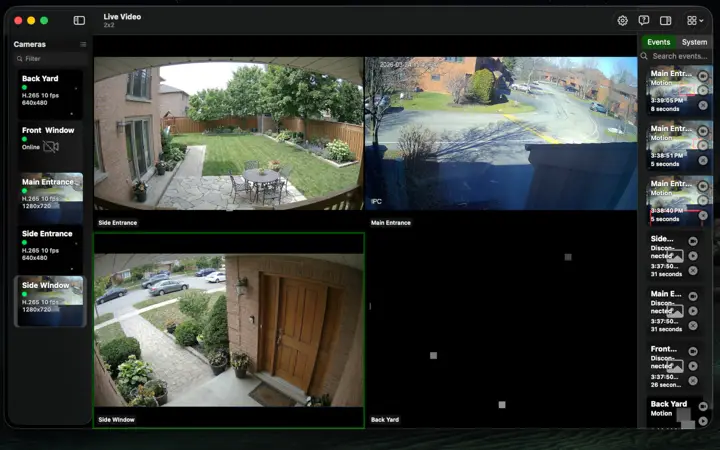
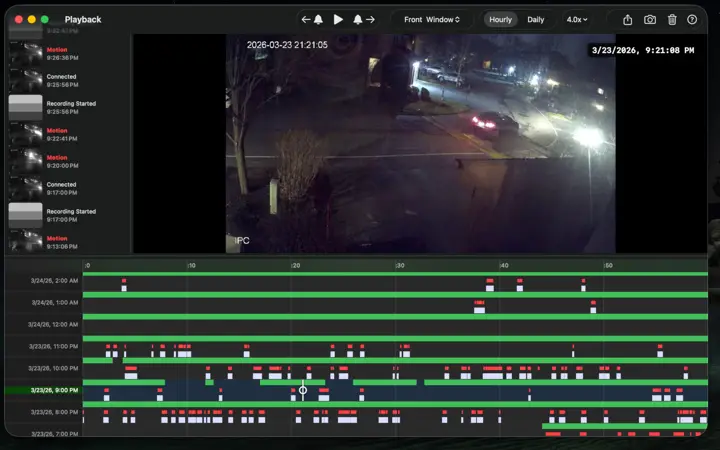
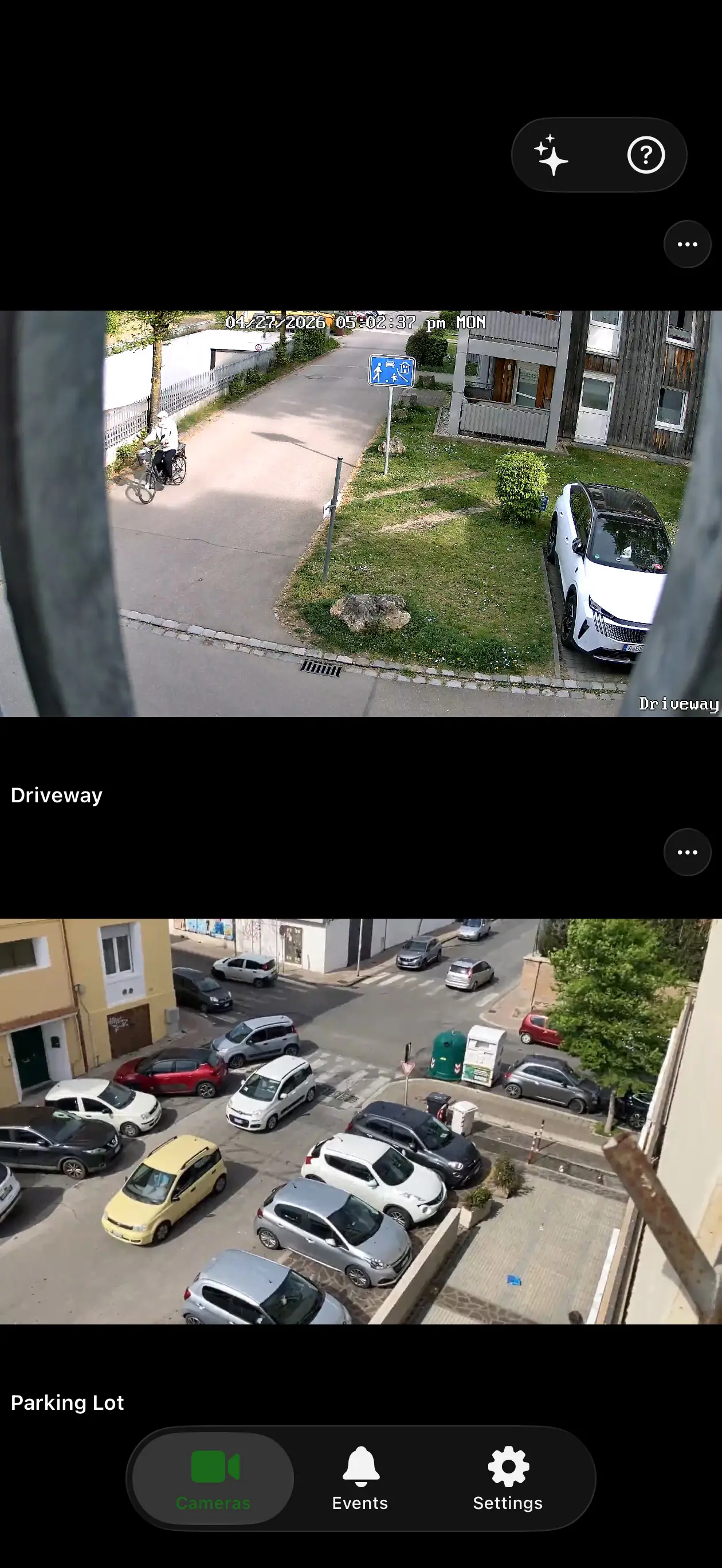
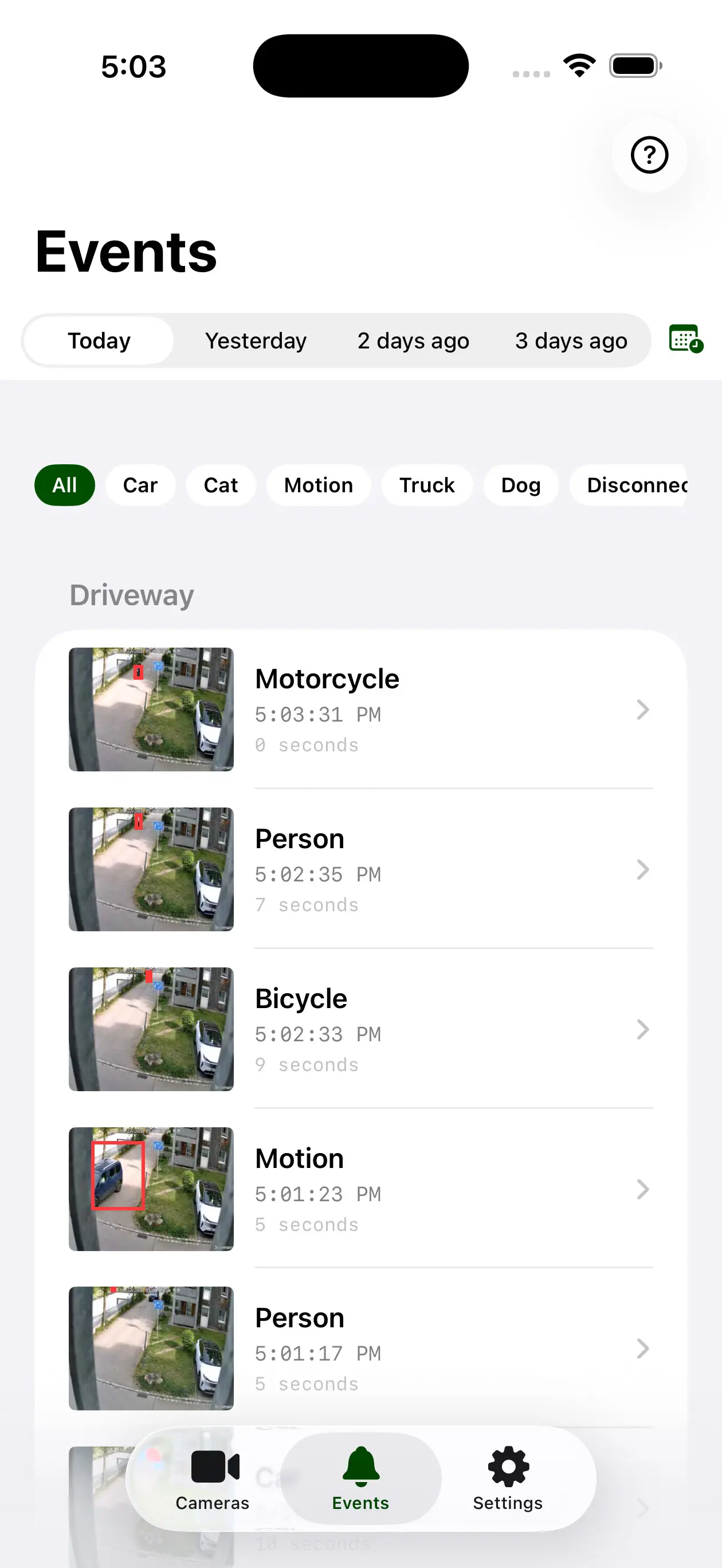
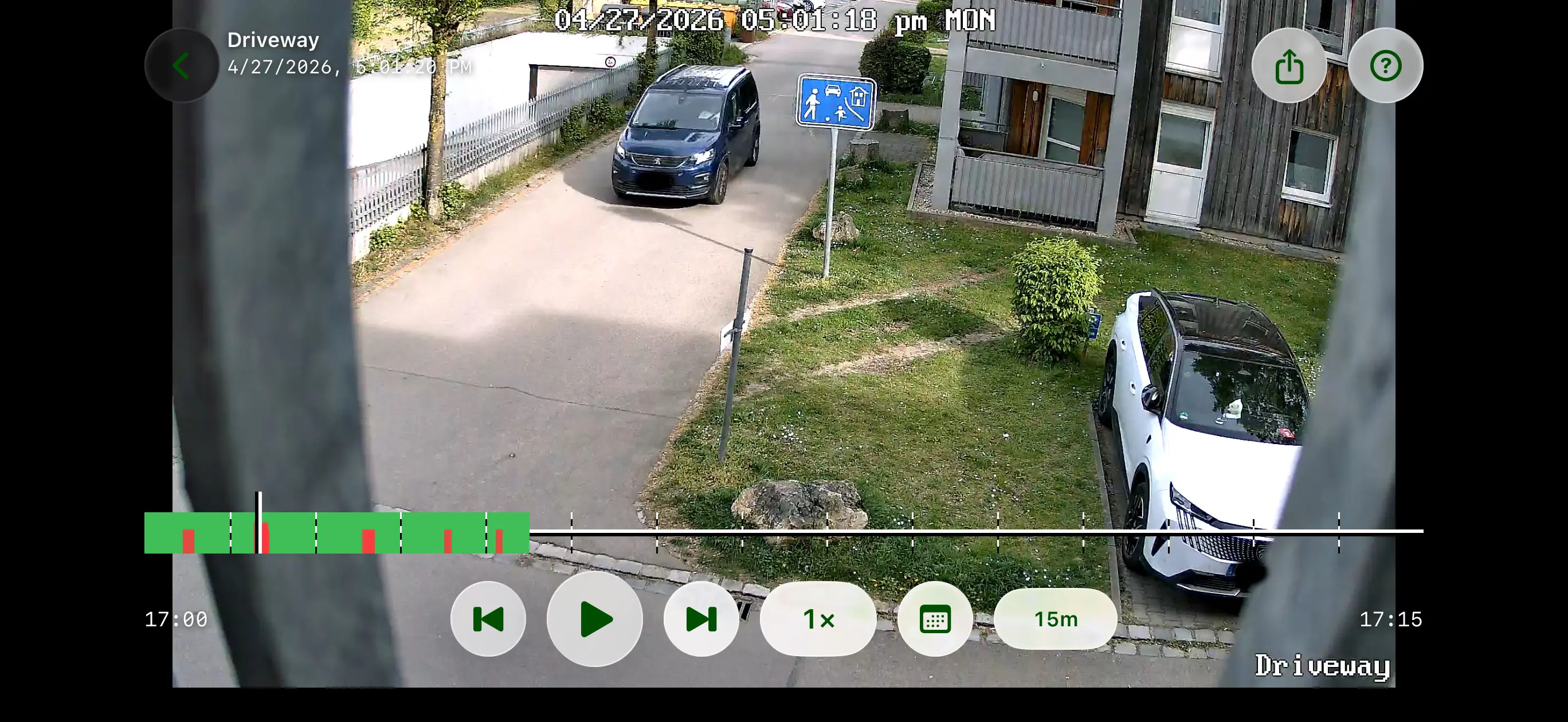
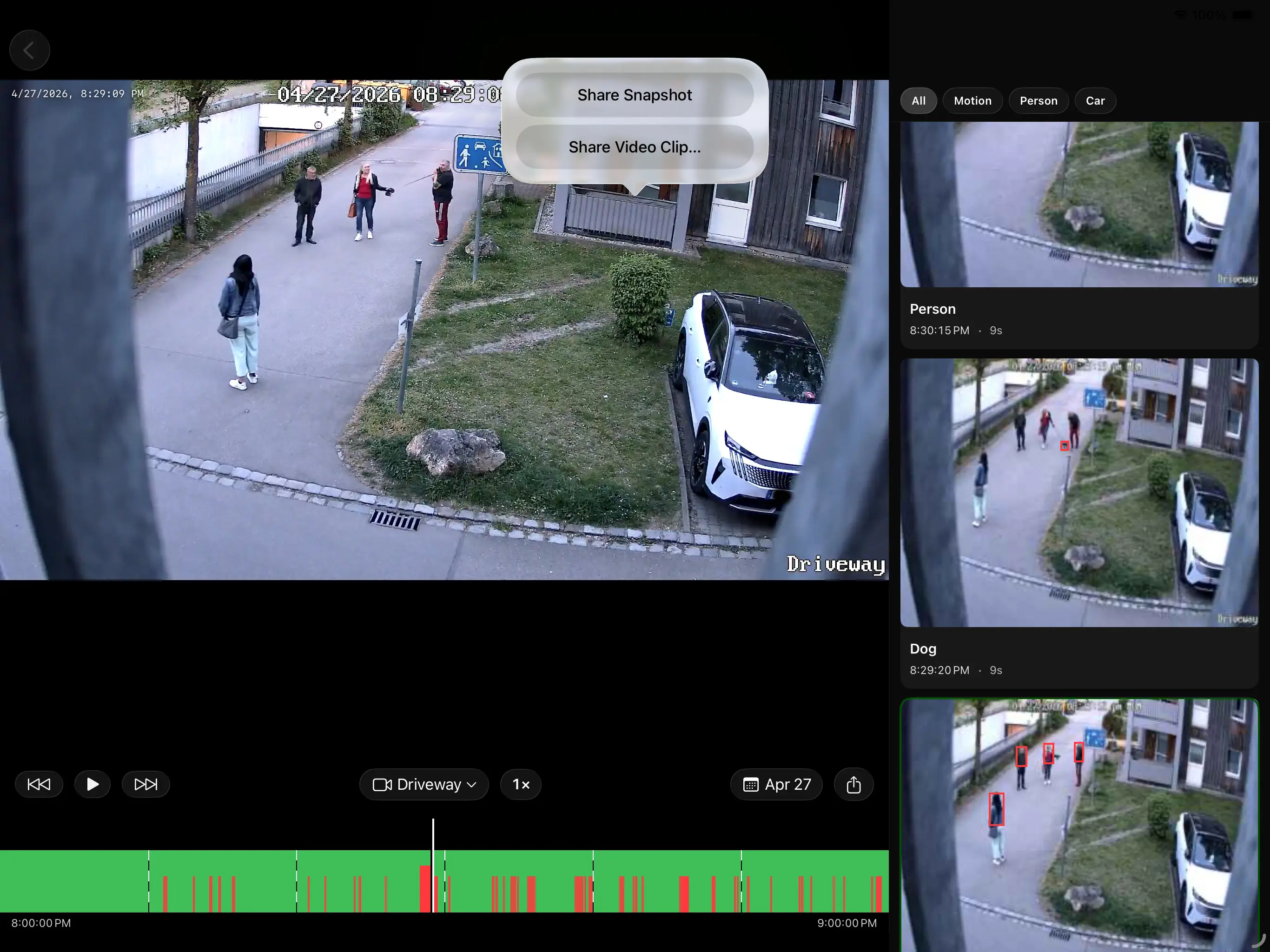
Live multi-camera grid, event timeline grouped by day, and pinch-to-zoom scrubbing.
Export snapshots and video clips.
Works with ONVIF, RTSP (H.264 and H.265) and MJPEG cameras, plus native drivers for many popular brands.
iPhone and iPad can record on their own, or view footage from your Mac's Storage Server. Connection details sync over iCloud Keychain.
Live video stays off third-party servers.
Screenshots
Live video, 2x2 grid with event listPlayback timeline with motion eventsLive grid (iPhone)Events (iPhone)Playback (iPhone)Playback (iPad)
Plans
Plan
Cameras
Playback history
Storage Server
Multi-user
Free
8
Last 12 hours on each camera
-
No
Starter 4
4
Unlimited on 4 cameras
-
No
Standard 8
8
Unlimited on 8 cameras
Storage Server on this Mac
No
Pro 16
16
Unlimited on 16 cameras
Storage Server, plus backup to a remote Storage Server
Yes
Current prices and the free trial are on the App Store.
FAQ
Is there a free tier?
Yes. You can add up to 8 cameras for free. Live view is never limited; on free cameras, playback covers the last 12 hours.
What does "unlimited history" mean?
On a paid plan, the number of cameras in the plan keep recorded history with no time limit on playback. Retention is then limited only by your disk space. Other cameras, up to 8, stay on the free tier.
Does it support Family Sharing?
No. Family Sharing is not available for IP Camera Viewer purchases.
If I buy on my iPhone, does it unlock the Mac?
Yes. The Mac and iPhone/iPad apps share one App Store listing, so a purchase on one unlocks the other with the same Apple Account.
Do I need a Mac?
No. On iPhone and iPad the app can run as a standalone recorder. A Mac running the Storage Server adds always-on recording and viewing from anywhere.
Does receiving backups cost extra?
No. Receiving backups from another Storage Server is free. Sending backups off the Mac requires Pro 16.
What's New
Storage Server, multi-user accounts, Pro 16 (version 26.35, 2026-06-05)
Storage Server: the free companion app DComplex Manager installs a recording daemon on your Mac. It records 24/7 to any internal or external disk, outside app-sandbox limits, and keeps going when the app is closed. Choose per camera whether to record locally or to the Storage Server.
Automatic remote NVR: a second Mac running the Storage Server is discovered and added on its own.
Multi-user accounts (Pro): named Admin and Viewer logins on your Storage Server, so you can share live view and playback without sharing the owner password.
New Pro 16 tier: up to 16 cameras with unlimited history, the Storage Server and multi-user accounts.
Storage health at a glance: retention window, disk summary and last recorded segment in the NVR detail view.
iPhone and iPad can view footage from your Mac’s Storage Server; connection details sync over iCloud Keychain.
 DComplex